
All features
Client work
Every client chart, ready when the session starts.
Client Charts
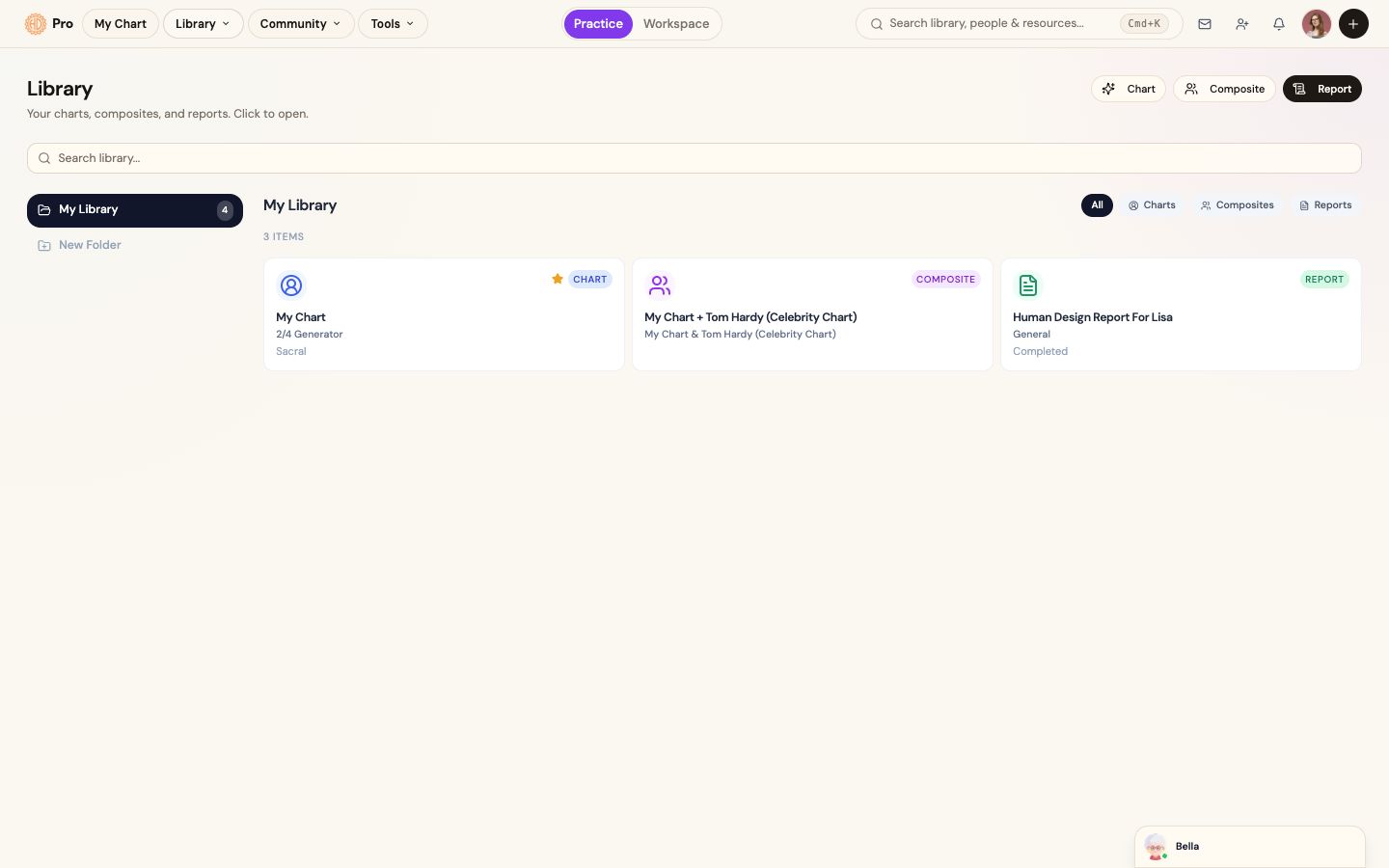
Create and organize client charts in a searchable library so chart context, reports, and relationship work stay connected to the person you serve.
The change in the work
Less friction before the client sees the result.
Open the right client and continue from the chart already on file.
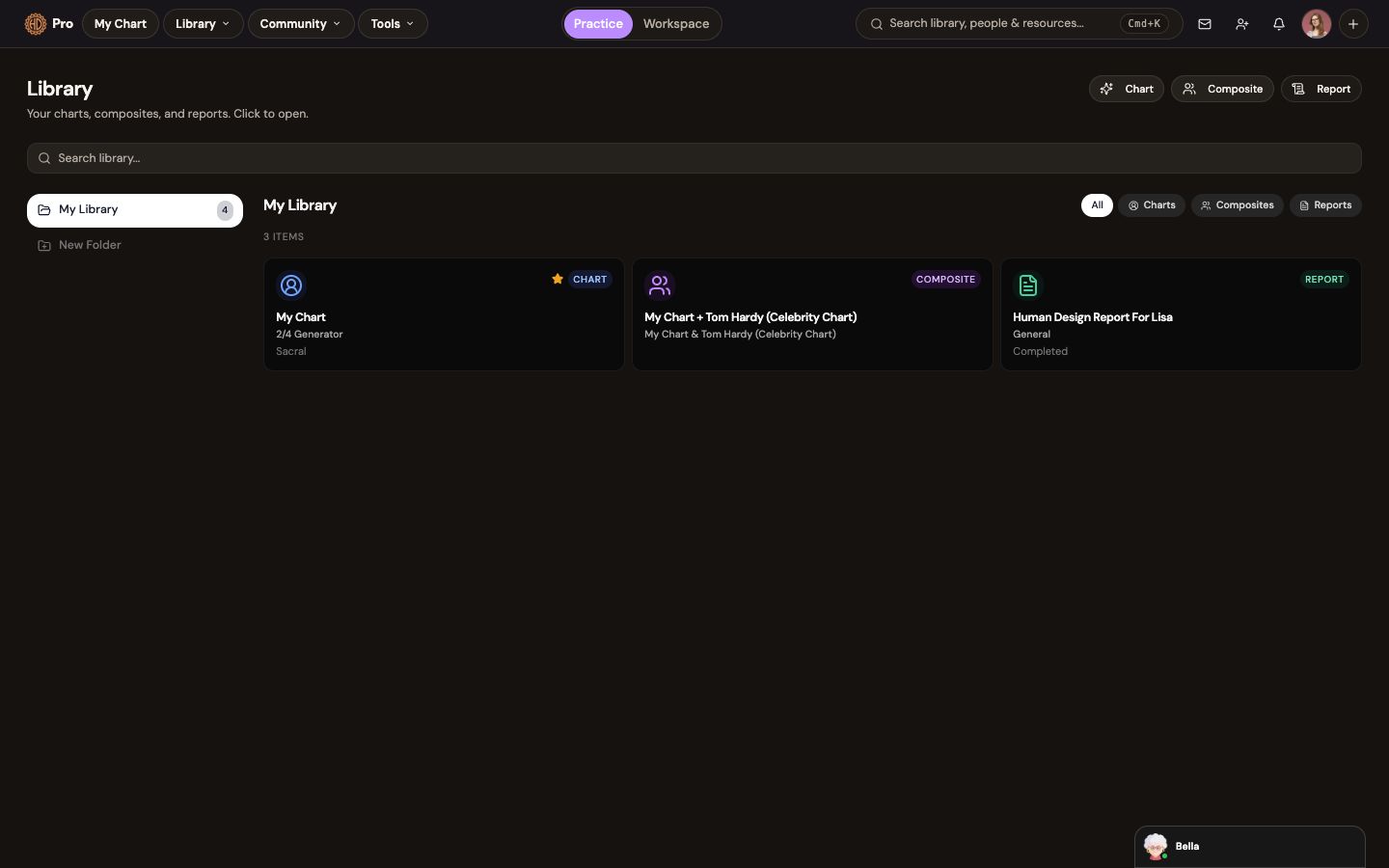
The library keeps charts, composites and reports available from the same saved record.
The workflow
How client charts fits the work.
Add the client
Create a chart from their birth data with appropriate consent.
Prepare the work
Open analysis, create a composite, or begin a report from the saved chart.
Return with context
Revisit the client and their saved work before the next session.
What this helps you accomplish
Keep the expertise yours. Reduce the busywork.
- Create charts from client birth data
- Keep charts, composites, and reports together
- Return to the right client context before every session
Existing platform review
“The integration of AI takes the experience to an entirely new level, allowing me to access insights from my own chart—or my clients’ charts—quickly and efficiently.”
Isabel S. Churchill · January 24, 2026
Read the source reviewCommon questions
Know what the feature does and does not do.
Can I create charts for clients?+
Yes. You are responsible for collecting birth data with appropriate permission and handling it according to your professional and legal obligations.
Continue exploring