
All features
Automation
Automate the follow-ups and the busywork.
Workflows
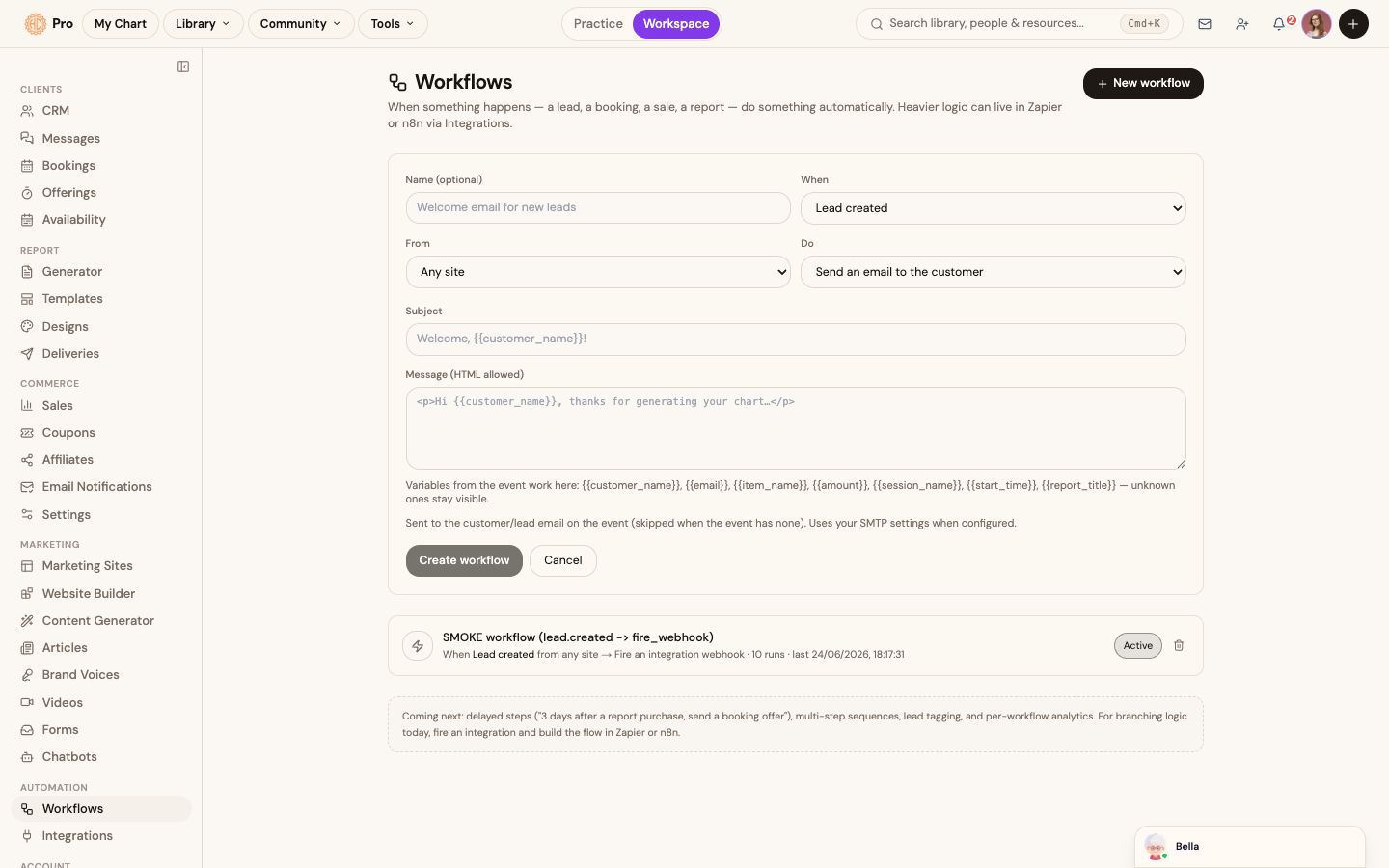
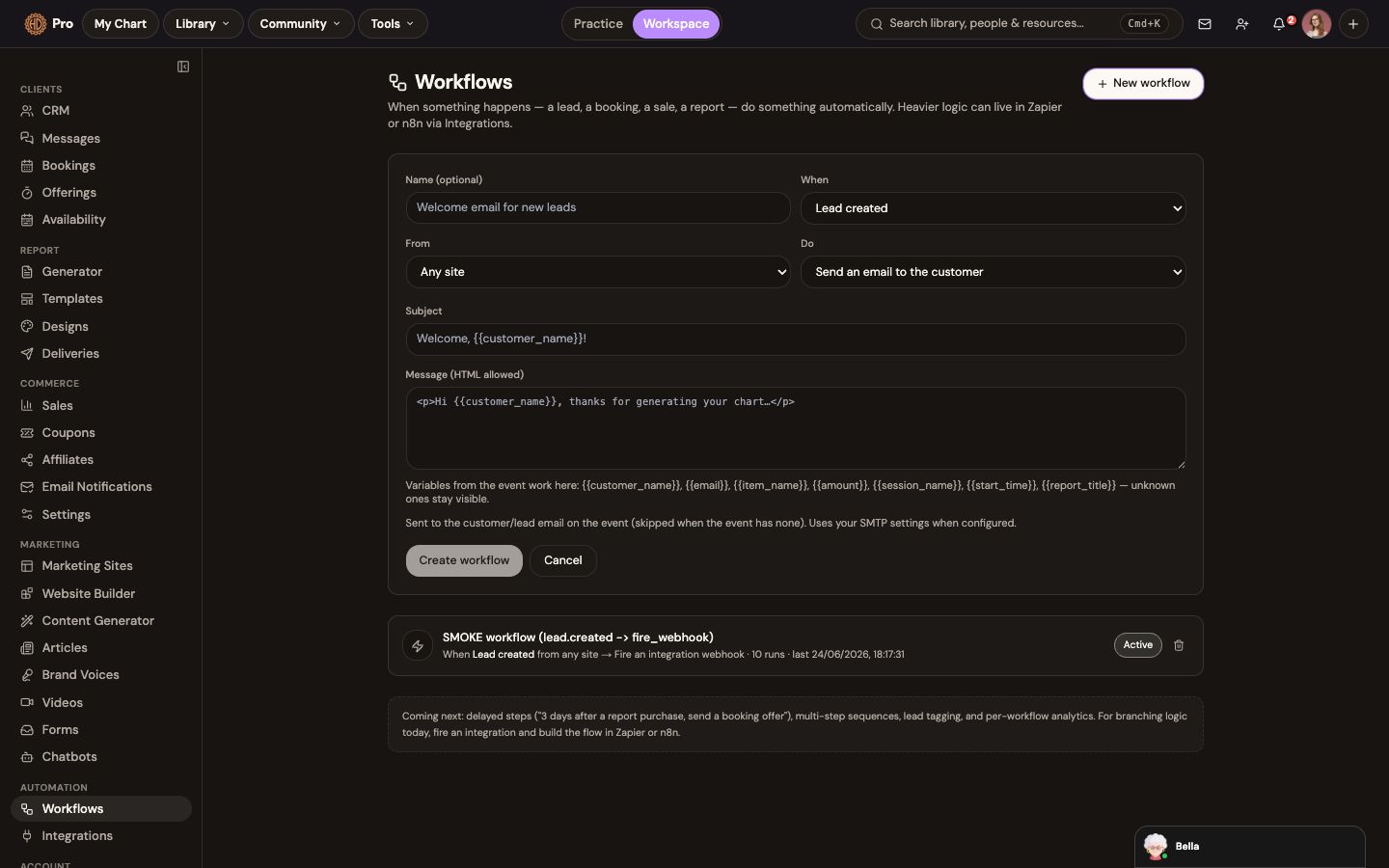
When a lead arrives, a report sells, or a booking lands, trigger follow-up emails, tags and tasks automatically so nothing slips.
The change in the work
Less friction before the client sees the result.
Connect a verified trigger to a supported action and review its state.
The workflow screen uses trigger/action configuration with saved workflow states.
The workflow
How workflows fits the work.
Choose a trigger
Follow-up is easy to miss when every trigger depends on memory.
Add a supported action
The workflow screen uses trigger/action configuration with saved workflow states.
Save and monitor the workflow
Connect a verified trigger to a supported action and review its state.
What this helps you accomplish
Keep the expertise yours. Reduce the busywork.
- Triggers on leads, sales and bookings
- Automatic emails, tags and follow-ups
- Set it once, let it run
Existing platform review
“You can add charts to your profile and ask it about the entire chart… I love using it for both personal and professional use.”
Dagny · January 31, 2026
Read the source reviewContinue exploring