
All features
Reports · Alpha
Make every delivered report look like yours.
Report Designs
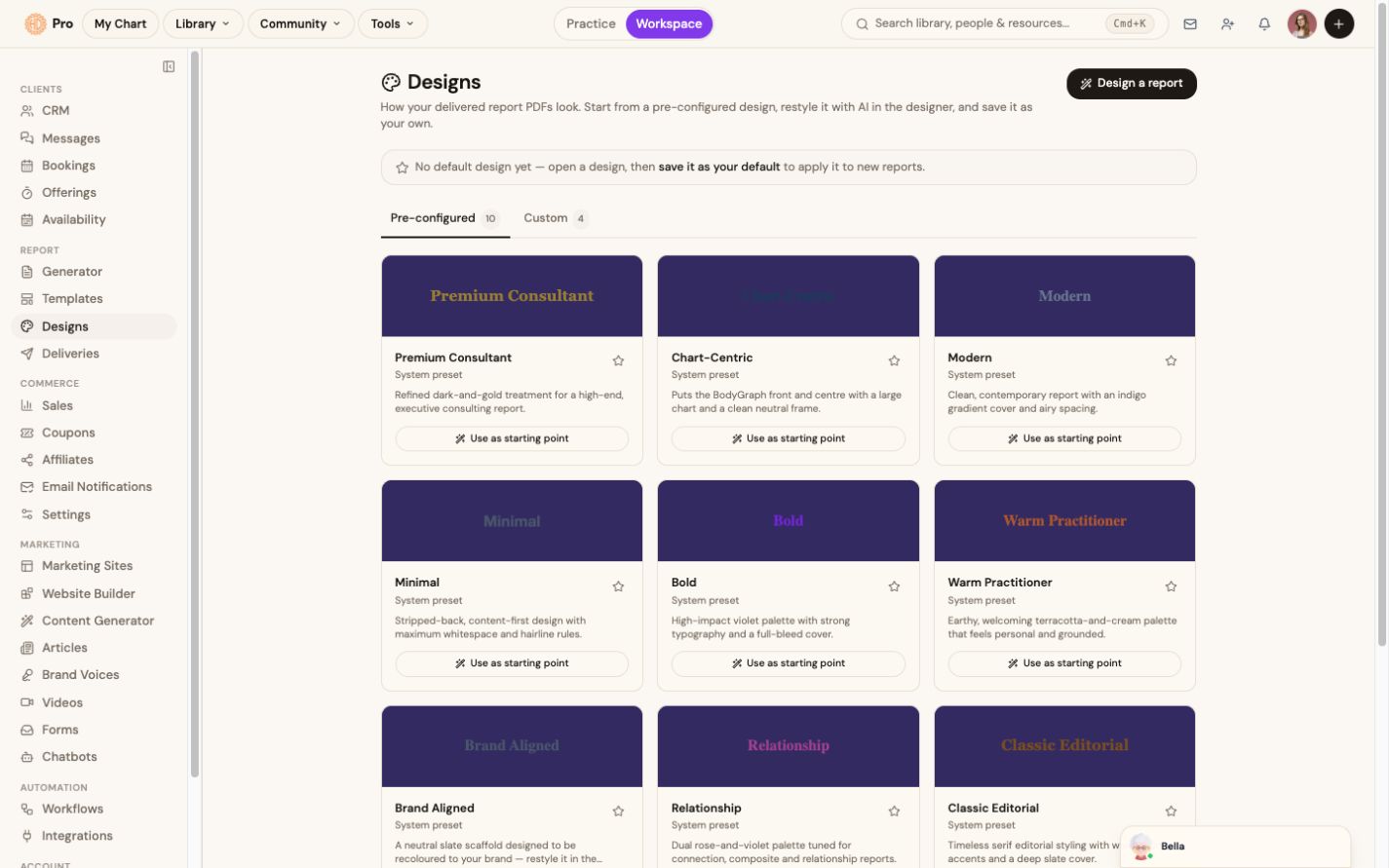
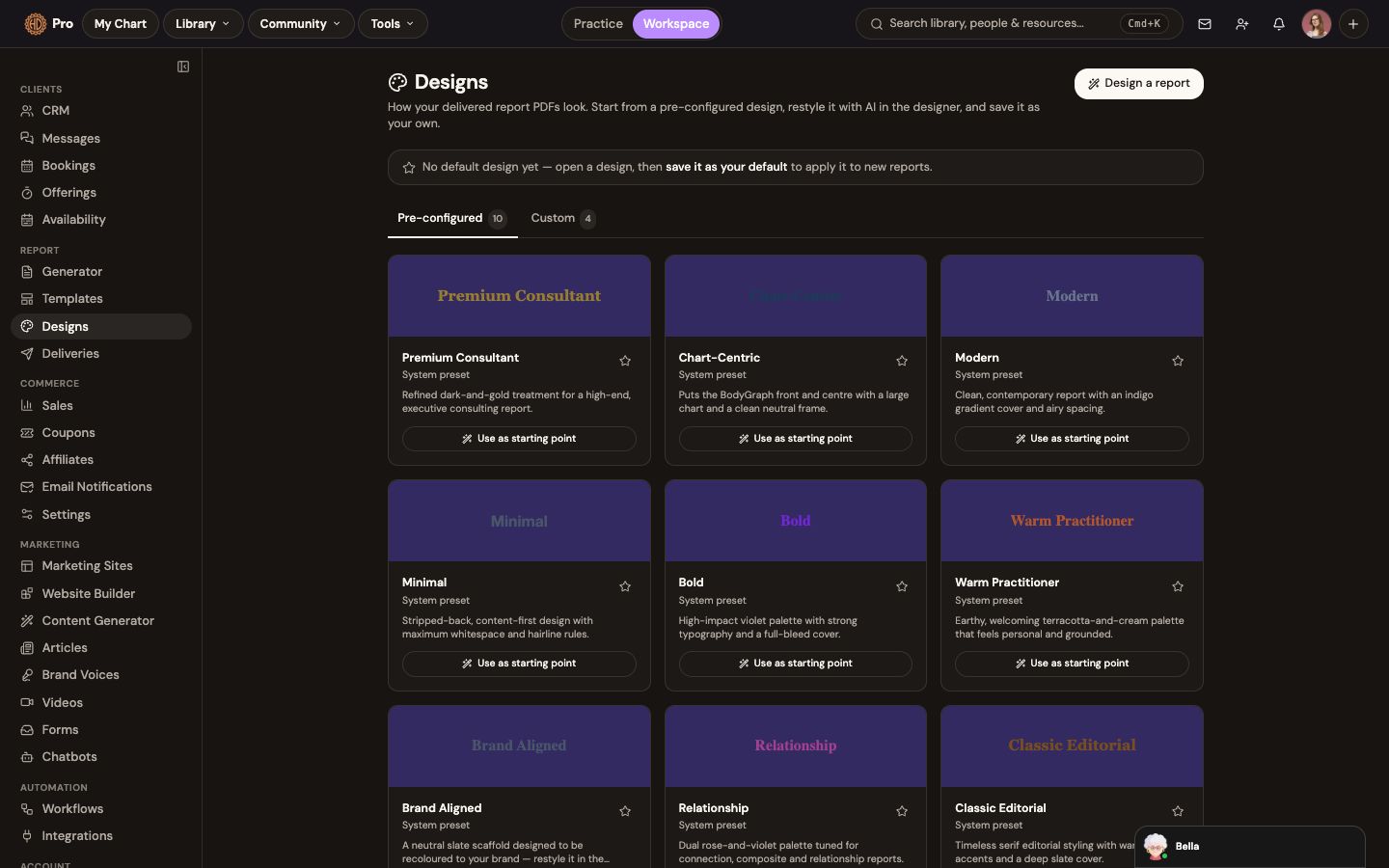
Start from a pre-configured report design, adapt the visual treatment, and save a design for future report output. Availability may vary while the designer is in Early Access.
The change in the work
Less friction before the client sees the result.
Choose a starting design and prepare the visual treatment for report output.
The live product labels Report Designs Alpha and exposes pre-configured and custom views.
The workflow
How report designs fits the work.
Choose a starting design
Browse the available pre-configured report treatments.
Open the designer
Adapt the visual treatment using the controls available in your account.
Save the result
Keep it as a custom design or use it as the default for new reports.
What this helps you accomplish
Keep the expertise yours. Reduce the busywork.
- Pre-configured designs as starting points
- Custom design workspace for visual changes
- Save a default for new report output
Existing platform review
“Generating straightforward reports, which are profile-specific. I especially love that you can generate a business partnership report with profiles.”
SIns · January 22, 2026
Read the source reviewCommon questions
Know what the feature does and does not do.
What does Early Access mean here?+
The feature is available gradually and its controls may continue to change. The product shows the status before you rely on it for delivery.
Continue exploring