
All features
Agents and custom tools · Early Access
Manage your Human Design workspace from Claude, ChatGPT and Codex.
MCP & API Access
Connect Claude, ChatGPT, Codex and other compatible agents to the authorized parts of your HDAnalyst.com workspace through hosted MCP, or use the Human Design API for custom products and automations.
The change in the work
Less friction before the client sees the result.
Connect an authorized AI client to the permitted parts of your account and work with charts, library organization, reports, usage and eligible Builder projects in conversation.
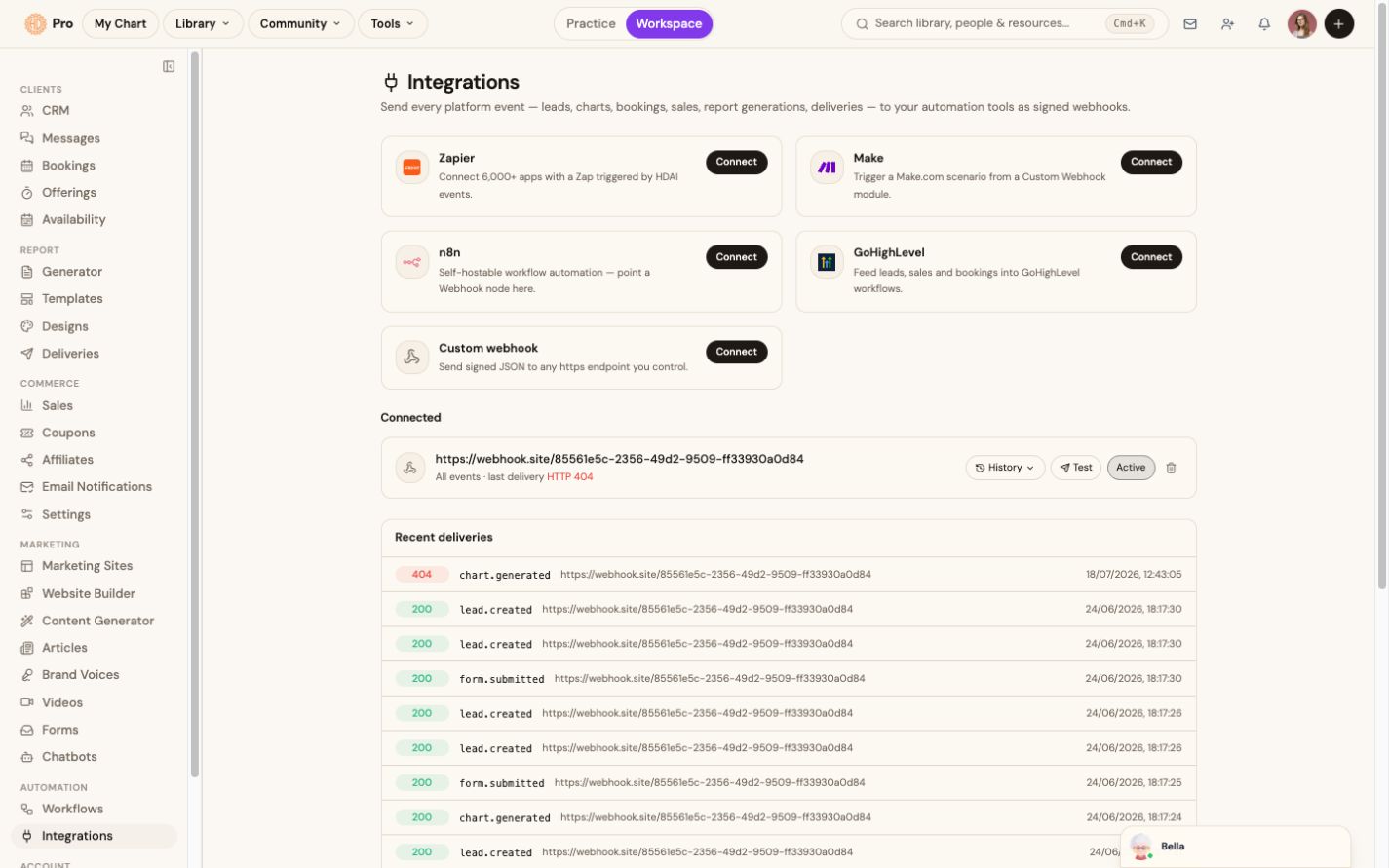
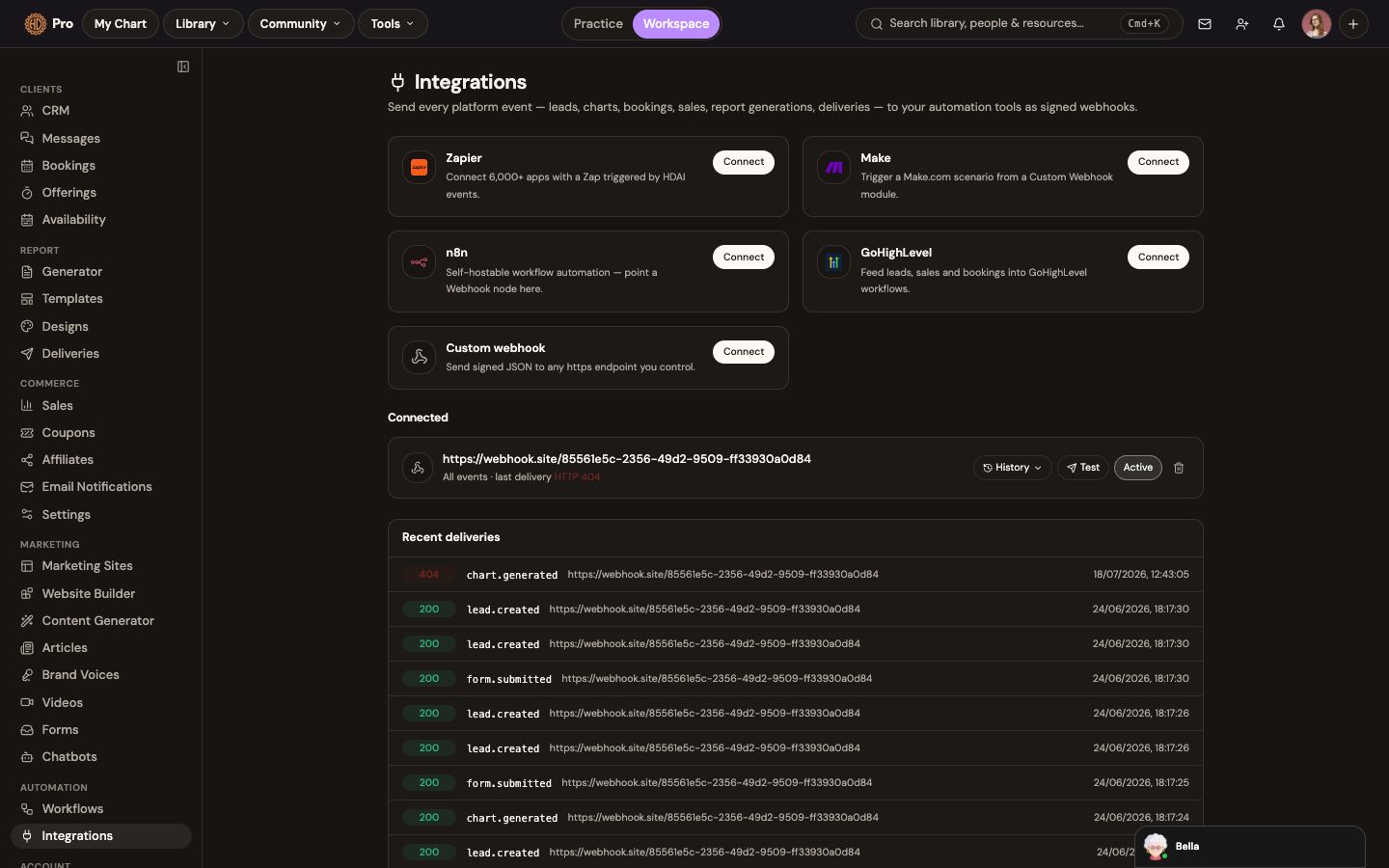
The hosted MCP uses account-aware OAuth and exposes permitted account, chart, library, operation, report-status and Builder tools; the REST API provides charts, relationships, forecasts, reference data, webhooks, streams and batch operations.
Your workspace, inside your AI assistant
Ask Claude, ChatGPT or Codex to work with the context you already have.
One hosted MCP connection lets a compatible assistant discover only the tools, charts and workspace capabilities the signed-in account is permitted to use. OAuth keeps passwords and tokens out of the prompt.
See connection guidesClaudeChatGPTCodexOther MCP clients
Hosted MCP · OAuthmcp.humandesign.ai
01
Search, retrieve and organize the authorized chart library
02
Render permitted charts and work with composite chart context
03
Review account usage, entitlements, report templates and report status
04
Inspect eligible Builder projects, plans, runs, previews and assets
Current boundaryReport generation and delivery, Builder creation and publishing, and other consequential actions remain staged or use an explicit secure handoff until their confirmation checks are complete.
The workflow
How mcp & api access fits the work.
Choose the connection
Use hosted MCP for Claude, ChatGPT, Codex or another compatible client; use REST or Agent HTTP for a custom product or automation.
Authorize the boundary
Sign in with OAuth for account-connected tools, or use an API key for the separate calculation and reference surface.
Let the client discover its tools
The available catalog is filtered by membership, workspace role, ownership, granted scopes and product entitlements.
Keep consequential work controlled
Sensitive actions remain staged, require confirmation, or return a secure HDAnalyst.com handoff rather than executing silently.
Companion access
Build beyond the workspace.
Use dedicated services for custom Human Design products, automations and compatible AI clients. Access and usage allowances are managed by each service.
What this helps you accomplish
Keep the expertise yours. Reduce the busywork.
- OAuth connection for Claude, ChatGPT, Codex and compatible MCP clients
- Membership-aware access to permitted charts, library tools, reports, usage and Builder projects
- REST API for charts, composites, forecasts, reference data, webhooks and batch operations
- Structured results with workspace, ownership, role and entitlement boundaries enforced
Existing platform review
“The platform is a game changer for anyone… running a Human Design business. Numerous report types. Built in AI. Sooo many tools.”
Jennifer F · January 20, 2026
Read the source reviewCommon questions
Know what the feature does and does not do.
Can Claude, ChatGPT or Codex access my HDAnalyst.com workspace?+
Yes, through the hosted Human Design MCP connection. OAuth lets a supported client act within the signed-in account boundary, and tool discovery is filtered by granted scopes, membership, workspace role, ownership and entitlement.
What can the connected assistant do today?+
Current account-connected tools cover account and usage context, chart rendering, authorized library search and organization, operation status and cancellation, report discovery and status, plus eligible Builder project, plan, run, preview and asset reads. Exact availability depends on the account and granted scopes.
Can it publish a website or deliver a report for me?+
Not silently. Report generation, export and delivery, and Builder creation, approval and publishing remain staged until their credit, confirmation and acceptance checks are complete. Consequential actions use explicit confirmation or a secure handoff.
Is the API the same as MCP?+
They use the same Human Design calculation infrastructure but serve different jobs. MCP is the agent-friendly, account-connected interface; the API is the direct developer surface for products, services and automations, with its own published plans and allowances.
Continue exploring